- Instant email delivery
- Global licenses
- Secure checkout
- 24/7 customer support
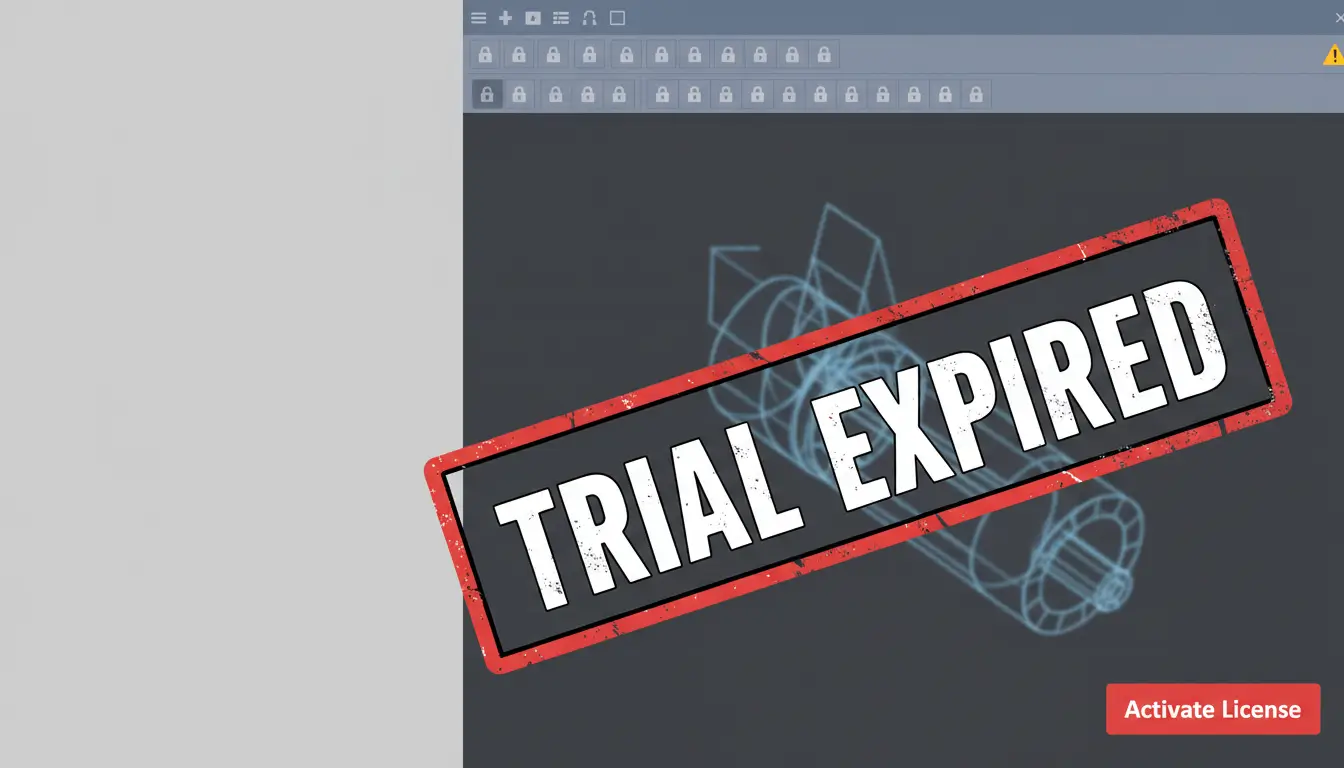
trial expired licence means your temporary access to the software has ended and the application will either limit functionality or stop launching until you activate a paid or otherwise qualifying license. In practice this can look like a read-only mode, disabled saving or exporting, watermarks on outputs, disabled network features, or a hard block that prevents the program from starting. The purpose is to protect the vendor’s licensing model while giving you time to evaluate the product.
Knowing exactly what changes helps you choose the right next step: reactivate with a subscription, request an extension from a vendor or reseller, switch to a different edition, or restore access via an educational or enterprise agreement. If you rely on a specific workflow, back up local files and exports before the trial ends so you can continue working if a restriction appears. For product-specific guidance and upgrade options, consult the AutoCAD product page at SoftAuthentic for licensing paths and comparisons.
If the application blocks startup, check your account sign-in, any license manager on your network, and corporate entitlement portals; sometimes a simple re-sign-in or license reclamation resolves the issue. If you’re unsure which option fits your needs, the Autodesk official site provides clear subscription, maintenance, and enterprise licensing overviews to help you decide.
When a trial expired licence takes effect you may see one or more of these behaviours: the software opens in view-only mode, editing tools are disabled, export/print is blocked, plug-ins stop working, or the app refuses to start and shows a licensing prompt. Network or borrowed licenses automatically return to the pool, and license managers will mark the seat available.
Practical next steps: save copies of any open work, check your account or license server, contact your reseller for extension options, or purchase a subscription to restore full functionality. Acting promptly avoids lost time and lets you choose the most cost-effective path forward.
Cracking Autodesk software—whether by bypassing license checks, using unauthorized keys, or distributing patched installers—directly violates Autodesk’s terms of use and international copyright law. These actions expose individuals and organizations to civil lawsuits, statutory damages, and in some jurisdictions criminal prosecution. Beyond legal exposure, using cracked software undermines professional responsibilities: clients and partners expect reliable, auditable workflows, and a history of piracy can disqualify firms from bids, void insurance, and damage long-term reputation.
There are practical risks as well. Cracked packages often contain malware or unstable modifications that corrupt projects, compromise intellectual property, and create security vulnerabilities on company networks. For teams that rely on consistent file compatibility and vendor support, unauthorized copies prevent access to official updates, technical support, and cloud services that are essential for collaboration. If you need continued access after a trial, consider legitimate options such as commercial subscriptions, academic licenses, or contact an authorized reseller for migration assistance. For product specifics and legitimate purchase channels, see the official Autodesk product pages for guidance and licensing options. For information about AutoCAD and its licensing, refer to the Autodesk AutoCAD overview.
When a “trial expired licence” is ignored and users attempt to extend access illicitly, the immediate consequence is loss of vendor support and potential audit triggers. Discovery can result in retroactive licensing fees, penalties, and legal costs that far exceed the price of a legitimate subscription. Firms risk contract breaches, loss of certification, and exclusion from public or private tenders. Ethically, working with unlicensed tools compromises professional integrity and client trust. The safer course is to renew, switch to licensed alternatives, or use supported trial extensions and educational programs rather than exposing yourself and your organization to unnecessary legal and reputational harm.
Cracked installers and keygens are a common temptation when a trial expired licence blocks access to software, but they frequently carry hidden costs that far outweigh any short-term gain. Instead of simply restoring functionality, many unauthorised cracks bundle malware—Trojans, keyloggers, backdoors and even ransomware—that can steal credentials, exfiltrate sensitive project files, and propagate across networks. Using tampered installers also voids vendor support, breaks update chains, and can expose businesses to legal and compliance penalties. For safer options, consult official downloads and licensing guidance from trusted distributors like SoftAuthentic’s AutoCAD page and vendor resources on the Autodesk official site.
Most cracks work by modifying program binaries, replacing license files, or running a local activation server; these techniques require elevated access and are an ideal delivery method for malicious payloads. Attackers commonly append persistent components that survive reboots, disable security tools, and open encrypted channels to command-and-control servers. The practical consequences range from credential harvesting and intellectual property theft to full system encryption or stealthy backdoors that remain unnoticed for months. Recovery is costly: you may need to rebuild systems, rotate credentials, notify stakeholders, and may suffer reputation damage. For individuals and organizations trapped by a ‘trial expired licence’, the safer path is to pursue legitimate renewal, trial extensions, or approved free alternatives rather than risking compromise through cracked software.
Attackers commonly deliver trojans, ransomware, keyloggers and persistent backdoors by disguising social‑engineering lures as legitimate alerts. A fake “trial expired licence” message can prompt a user to download a malicious “patch,” reveal credentials, or run installers that quietly harvest passwords and exfiltrate intellectual property, or create long‑lived backdoors that threaten network security. These threats compromise credentials, intellectual property and lateral movement across environments.
Mitigation is practical: treat unexpected licence prompts with suspicion, verify expiry notices through vendor channels, keep hosts patched, enforce least privilege, use endpoint protection and immutable backups, and segment networks to limit spread. If you rely on Autodesk software, confirm licensing and downloads with an authorized distributor like authorized Autodesk distributor, and check guidance on the vendor site at Autodesk official site for legitimate licensing procedures.
If your trial expired licence, don’t panic — Autodesk provides several legitimate paths forward. The quickest is renewing or converting that trial into a paid subscription (annual or monthly), which restores full features and updates. If you prefer a lighter option, consider a limited-feature tier such as AutoCAD LT or a single-app monthly plan to lower costs without sacrificing core workflows. Educational and non-commercial licences are also available to eligible users.
Where allowed, you may be able to reactivate a different trial for another Autodesk product to evaluate alternate workflows before committing. For simple viewing and markup tasks, free viewers and cloud-based viewers handle many file formats without a paid seat. Always choose official channels to remain compliant and to receive support and security updates — avoiding unlicensed copies protects your work and systems. For details on specific products and upgrade paths, see AutoCAD and related products.
Start by visiting the Autodesk official site to compare plans and pricing, then choose the path that matches your needs: renew your full subscription, switch to monthly billing, pick a single-app or LT version, or request an education licence if eligible. If you need only viewing or collaboration, the free Autodesk Viewer or cloud services may suffice. Contact Autodesk sales or an authorized reseller for tailored advice and to transfer licenses or enterprise seats. Taking an official route ensures access to updates, technical support, and license management tools that keep projects running smoothly.
If your trial expired licence blocked access to Autodesk tools, students, educators, and eligible nonprofit organizations often have alternative paths to continue working without cost. Autodesk’s Education Community and nonprofit programs provide free or deeply discounted subscriptions after confirming status with a school email or proof of nonprofit registration. Licenses granted through these programs are typically time-limited but renewable while eligibility continues.
To convert access after a trial expired licence, create an account on the Autodesk Education Community and submit the requested verification documents; if you hit a snag, Autodesk support can help reactivate or transition to an education or nonprofit license. Remember these licenses are for learning, teaching, or qualifying nonprofit missions and should not be used for commercial work.
For details about available titles and eligibility, see our Autodesk software catalog and consult the official Autodesk Education Community for step‑by‑step guidance and current program terms.
If your trial expired licence and you still need to finish a project, there are legitimate paths to regain access without resorting to unsafe or unsupported methods. First, sign in to your Autodesk Account to review available license options, current subscriptions and any active trials; Autodesk’s official account and subscription pages explain extensions and purchase choices Autodesk Account & subscriptions. Look for temporary extensions offered for specific products or for organization-administered licenses that you can be added to.
If no extension is visible, contact Autodesk Support directly and politely request a trial extension or activation assistance. Have these details ready to speed the process: product name and version, account email, serial/order numbers if applicable, and a brief description of the work deadline. Support can often verify eligibility for a short extension or troubleshoot activation errors so a valid licence can be applied.
If you decide to purchase, choose the subscription that matches your workflow (single app, collection, or All Apps). For product-specific purchases or licensing options, see the AutoCAD product page on our site as an example of available packages and licensing choices: AutoCAD product page. Finally, consider temporary alternatives such as educational licenses (if eligible) or using Autodesk viewer tools while full licensing is arranged.
1. Sign in to your Autodesk Account and check license status. 2. If no extension appears, open a support ticket or use live chat and request a trial extension or activation help. 3. Provide product details, account email and any purchase info. 4. Ask support about temporary license assignments from your organization or educational options. 5. If required, purchase the appropriate subscription and follow activation guidance to convert the trial to a full licence. These steps are the safest, fastest way to restore access and stay compliant.
If a trial expired licence is blocking your workflow, there are practical, legal ways to reduce cost without resorting to cracks. Start by matching the product to the task — a single-app subscription often costs far less than an all‑apps package if you only need one tool. Consider monthly billing for temporary projects: short-term subscriptions let you pay only for the months you actively use the software, then pause or cancel.
Another strong option is switching to an older, still-supported version. Vendors commonly offer versions with reduced subscription fees or flexible downgrade options that maintain support and security. For multi-tool workflows, bundling through a product collection can be more economical than separate licenses; compare combinations and choose the collection that covers most of your needs, for example the Autodesk AEC Collection. Also check for volume, multi-year, or educational discounts if you qualify — these reduce annual cost and simplify renewals.
Finally, inventory your actual usage: consolidate licenses, decommission unused seats, and negotiate renewal terms with resellers. That often lowers the per-seat price and keeps you fully supported and compliant — far better long‑term than the risks of cracked software. For official product details and current offers, consult the vendor’s collection overview.
When you see “trial expired licence” and need immediate access, contact the vendor or reseller first — many will grant short extensions or temporary licenses for evaluation and transition. If you need brief access for deliverables, switch to a monthly plan or a pay-as-you-go option; these are quick to activate and legally restore functionality. If budget is tight, check for supported legacy versions that meet minimum requirements, or use a single-app subscription instead of an all‑apps plan. Finally, explore free viewer tools and cloud-based export routes to complete urgent tasks while you arrange a licensed copy.
If a trial expired licence leaves you stuck, there are practical, low‑cost ways to keep working without buying a full suite. Consider AutoCAD LT for 2D drafting or Fusion 360’s free tiers for hobbyists and startups—both are lighter on cost and learning curve than full packages. You can also view and share designs with free Autodesk viewers when you only need collaboration or markup.
For a straightforward migration path, check Fusion 360 offerings from a trusted reseller to compare editions and pricing: Fusion 360 options. If you prefer staying within Autodesk’s ecosystem, the AutoCAD LT product page explains feature differences and licensing models: AutoCAD LT overview.
Choosing a lightweight tool often restores productivity immediately and avoids the overhead of upgrading to full-cost licenses until you truly need advanced features.
If your trial expired licence is preventing access, start with Autodesk’s official resources for downloads, pricing, and license-type guidance. The fastest path is to review product pages for the exact application and version you used, compare subscription options, and confirm system requirements before purchasing or renewing. For authoritative information on licensing models (single-user, multi-user, educational, or industry collections) and current pricing, consult Autodesk’s official site or open a support case so an Autodesk specialist can recommend the best option for your workflow and organization. Keep your product name, version, and account details handy to speed support and activation.
When a trial expired licence blocks access, practical next steps are: sign in to your Autodesk Account to check trial status and available upgrade offers; if a paid subscription is needed, choose the plan that matches your usage (monthly, annual, or multi-year); and apply the provided serial number or sign in with the account tied to the new subscription. If you rely on network or floating licenses, coordinate with your license administrator to reassign seats or renew the network license server. For purchase or licensed installers from third-party vendors, verify they are authorized; for example, see SoftAuthentic’s AutoCAD product page for one licensed distribution option. If problems persist after purchase, contact Autodesk Support with your order number and system details so they can resolve activation or entitlement issues quickly.
As you manage a trial expired licence, the best source for accurate next steps is the vendor. Visit the Autodesk website for official information about product trials, license renewal and purchasing options. Check product pages for AutoCAD, Revit and collections to compare features, subscribe or start a trial. If your Revit trial expired licence needs renewal or conversion to a paid subscription, see our concise SoftAuthentic Revit page for local purchase options, or go to the Autodesk Revit official page for downloads, free trials and subscription plans. For multi-product needs consider Autodesk Collections and product bundles. If you need help choosing between temporary workarounds and supported subscriptions, contact Autodesk support or an authorized reseller listed on those pages.



 Autodesk
 Design Softwares
 CorelDraw
 Affinity V2
 Microsoft & Windows
 Windows
 Microsoft 365