SKU: N/A Category:

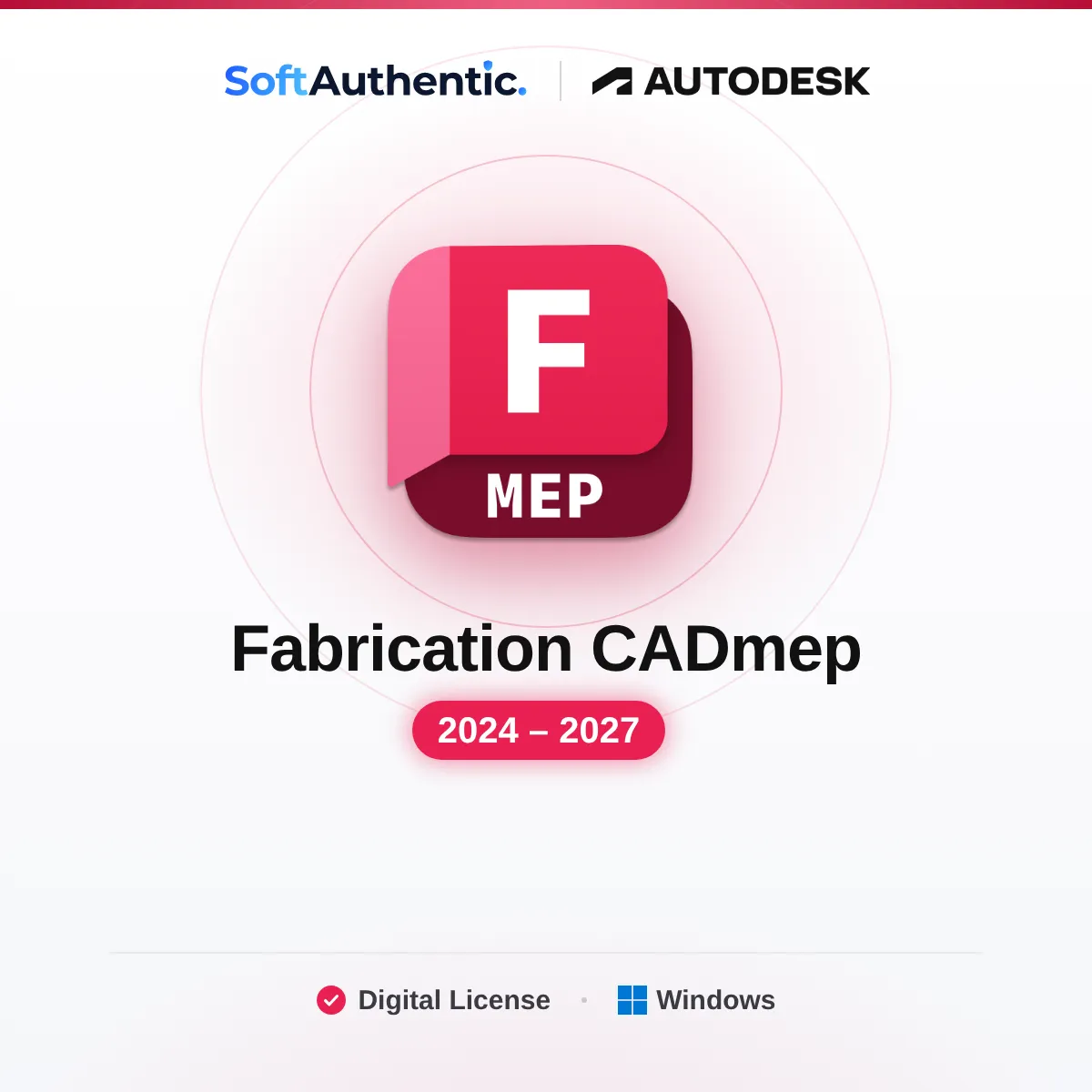
Autodesk Fabrication Cadmep – (Windows)

★★★★★
Excellent on Trustpilot
10 Items sold in last 24 hours
16 People watching this product now!

Price range: $69.00 through $129.00

🔒 Secure checkout
Powered by Stripe
VisaMastercardAmerican ExpressMaestroDiscoverJCBDiners ClubUnionPay
  • Official License
  • Download from AutoDesk website
  • No external links
  • 24/7 support
  • Best prices on the market

Autodesk Fabrication CADmep – MEP Fabrication Software

Autodesk Fabrication CADmep is MEP fabrication software for detailing ductwork, pipework and electrical containment inside AutoCAD. Part of the Autodesk MEP fabrication products, Autodesk Fabrication CADmep turns design models into fabrication-ready parts, spool drawings and shop data. It shares one database with the other Autodesk Fabrication software, ESTmep and CAMduct. Get an official license here for $69.00 (1 year) or $129.00 (3 years).

How will you receive the Licence?

  1. Proceed to purchase the Autodesk™ License.
  2. If you do not yet have an Autodesk Account, you will receive an email from Autodesk in a few minutes on your email entered in the order form.
  3. If you already have an Autodesk account associated with the email with which you made the purchase, simply Sign in, go to the Account —> Products section and you will find the products purchased.
  4. Follow the instructions on the email and log in to Autodesk™.
  5. Download the program you purchased directly from the Official Autodesk™ website.
  6. Start working.

Items included

– AutoCAD Web
– AutoCAD Web – mobile app
– Drive
– CADmep Fabrication
 

What is Fabrication?

ESTmep™, CADmep™ and CAMduct™ manufacturing software provide an integrated set of tools for MEP specialized contractors. Estimate, detail and guide LOD 400 fabrication for mechanical construction systems with tight integration with BIM and CAD design workflows and results.
  • Use manufacturer-specific content to generate better estimates
  • Create more accurate detailed templates for installation
  • Producing sheet metal for fabrication

Details in CADmep

Create manufacturing intent models for piping systems, plumbing, and pipelines.

Features in CADmep

Detailed 3D modeling

Create ready-made models for piping, plumbing, and pipeline systems.
 

Specification Content Modeling

Draw with real components and connections from thousands of manufacturer content elements and pattern patterns.
 

Extend design intent models

Easily import data from Revit and AutoCAD to extend the lifecycle of design models and help reduce model redundancy.
 

3D spooling capabilities

Create detailed spool sheets and bills of materials (BOMs) for the shop floor.
 

Service validation and clash detection

Identify and fix service issues, such as mismatched connectors, duplicates, and conflicts, before manufacturing.
 

Costs and reporting

Quickly and easily gain accurate information about model elements and export data for better decision-making.
 

System requirements:

System Requirements
Operating system Microsoft® Windows 11 or Windows® 10 64-bit. See Autodesk Product Support Lifecycle for support information.
CPU Type Basic: 2.5–2.9 GHz processor Recommended: 3+ GHz processor
Memory 4 GB RAM or more (2 GB RAM or more for Autodesk Fabrication Tracker)
Graphic 1,280 x 1,024 (1,600 x 1,050 or higher recommended) true color video card with OpenGL-compatible graphics card
Disk space 2 GB of free hard-disk space for data installation and storage
Pointing device Microsoft-compatible keyboard and mouse
Media (DVD) Download only
.NET Framework .NET Framework version 4.8

Why buy Autodesk Fabrication CADmep here?

Autodesk Fabrication CADmep is activated in your own Autodesk Account and downloaded directly from Autodesk — version 2027, 2026, 2025 or 2024. You pay once for 1 or 3 years.

Autodesk Fabrication CADmep – Frequently Asked Questions

What is Fabrication CADmep used for?

CADmep is MEP fabrication detailing software. It models ductwork, pipework and electrical containment as fabrication-ready parts and produces spool drawings and fabrication data.

Does CADmep software need AutoCAD?

Yes. CADmep runs inside AutoCAD or an AutoCAD-based product, so you need one installed. It runs on 64-bit Windows 10 or 11.

How do CADmep, ESTmep and CAMduct work together?

They share one fabrication database: ESTmep for estimating, CADmep for detailing inside AutoCAD and CAMduct for manufacturing and CNC cutting.

Which CADmep version do I get — is it 2026?

You can download CADmep 2027, 2026, 2025 or 2024 from your Autodesk Account, so you can match the version your team or clients use.

What is the CADmep price?

Two options: a 1-year license for $69.00 or a 3-year license for $129.00. Both are official Autodesk licenses with no monthly payments.

Is this an official Autodesk license?

Yes. The CADmep license is official: it’s added to your Autodesk Account, and you download the software directly from Autodesk’s website, with no external download links.

How quickly will I get access after purchase?

Autodesk emails you within minutes at the address you used at checkout. Sign in to your Autodesk Account, go to Products and download CADmep — version 2027, 2026, 2025 or 2024.

Not sure which license fits?

Message us on WhatsApp and get an answer in minutes.